The deal analyzer pulls market data for a property and runs it through creative finance, Section 8 rental and long-term rental, plus a side-by-side compare. Every number can be edited, and your changes save as you type.
Run an Analysis
Choose Analyze in the sidebar. Paste any listing link or address and choose Analyze. Your last 20 analyses are listed under History.
From a saved property, choose Analyze on its page. It opens the latest analysis for that property, or runs a new one.
Where the Numbers Come From
The analyzer fills in what it can find:
- Property
- Type, beds, baths, living area, lot, year built, HOA and taxes, plus the listing price and time on market when it's listed.
- Value
- An estimate of the property's value, used as the starting ARV.
- Rent
- A long-term rent estimate, and the HUD Fair Market Rent for the county or ZIP on the Section 8 tab.
- Insurance
- An estimate based on the state.
- Owner
- Owner and parcel from county public records, where the county is supported.
Guessed numbers carry an Estimate tag. Change any number and the results update straight away.
Pick a Strategy
Switch between the tabs:
- Creative finance
- Asks Does this property have a mortgage? first. No opens seller finance terms: purchase price, share of the price the seller carries, interest rate and monthly payment. Yes opens subject-to terms: existing loan balance, rate and payment.
- Section 8 rental
- A rental built on the HUD Fair Market Rent, with a loss-to-lease allowance.
- Long-term rental
- A rental built on the market rent estimate, with purchase, loan and expense inputs.
- Compare
- Every strategy in one table: all-in cost, monthly cash flow, cash on cash, year 1 ROI and assignment fee.
Read the Results
Each tab updates its results as you edit:
- Creative finance: seller finance amount, down payment or cash to seller, total PITI plus HOA, term length and an estimated assignment fee.
- Rentals: all-in cost, loan amount, monthly payment and total capital invested.
- Cash flow, monthly or yearly, after vacancy, repairs, management, CapEx, taxes, insurance, HOA and the mortgage.
- Returns for year 1 or year 5: cash on cash, ROI and total returns, split into cash flow, appreciation and debt paydown.
On creative finance, the offer email panel writes a seller finance or subject-to offer to the listing agent. Copy it, or choose Send to open it in your mail app.
Refresh the Data
Choose Refresh data to pull market data again. Your edits are kept.
A refresh counts as one analysis toward your monthly limit. Market data is reused for 14 days, and reused data doesn't count.
Turn It Into a Deal
Choose Save property to add the property to your list, or Create deal to put it in the first open stage of your pipeline. The deal gets the listing price as the asking price, the value estimate as ARV, and the purchase price from the tab you're on as your offer.
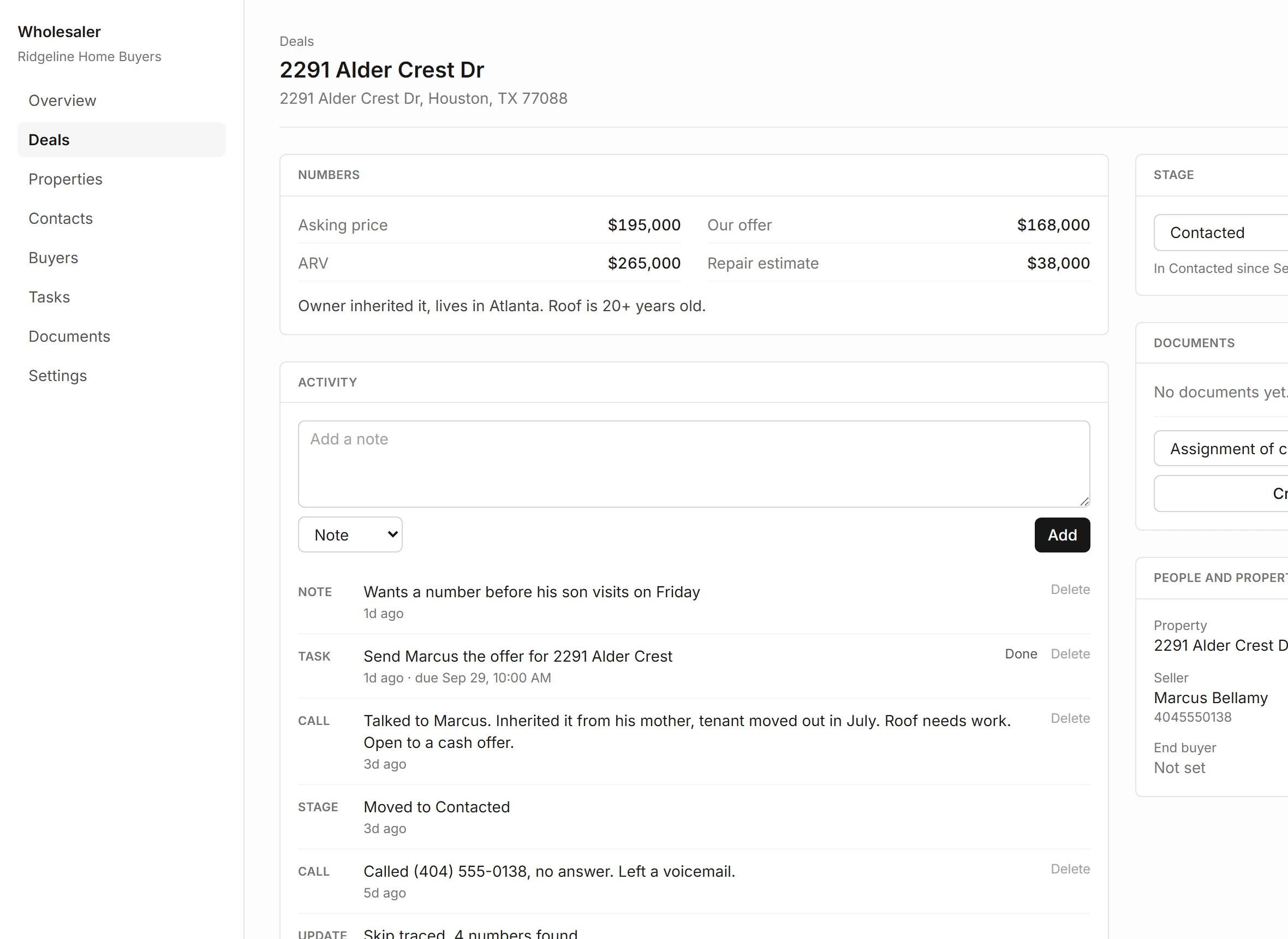
After that, the buttons change to Open property and Open deal.
Analyses per Month
| Free | 3 analyses with market data |
|---|---|
| Starter | 50 analyses with market data |
| Pro | 200 analyses with market data |
| Numbers typed by hand | Unlimited on every plan |
Past the limit, the analysis still opens and you enter the numbers by hand. The count resets each calendar month.